Try this...
1. Remove all the references to source control in your .NET solution and project files. (.vssscc)
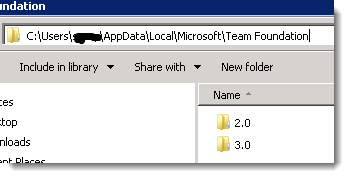
2. Delete TFS cache directories - C:\Users\<User Name>\AppData\Local\Microsoft\Team Foundation (2.0, 3.0 and 4.0)
Edit 4/25/2016

I came across a situation today that the above didn't fix... but I found a new fix. Open the Visual Studio Command window, and type:
C:\Program Files (x86)\Microsoft Visual Studio 14.0>tf workspace /delete /server:http://tfs.mysite.com:8080/tfs/defaultcollection devshed22\Warren
Note that 'Devshed22\Warren' was from the error window.